How the AI Sprite Sheet Generator Works
Choose Reference Image when character identity matters. Upload a clear full-character image, select one action, choose a compatible style, and add only instructions that help continuity. Text Mode is useful when no reference exists: describe the character, silhouette, costume, palette, camera angle, and important props before choosing the action. Both modes produce the same fixed output contract.
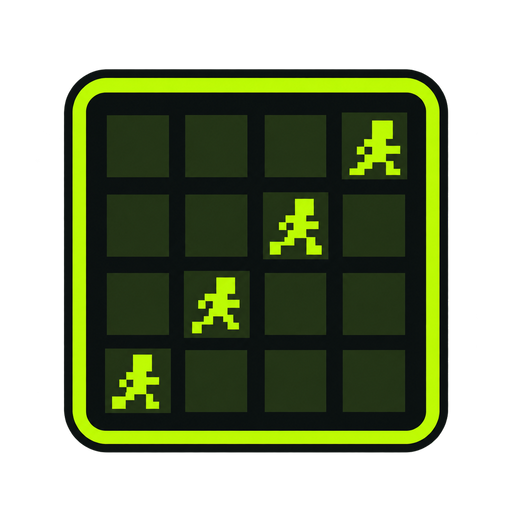
The AI sprite sheet generator does more than append a generic prompt to a model call. The server adds rules for one consistent character, sixteen equal cells, chronological row-major order, fixed camera distance, stable character scale, shared ground baseline, no zoom, and no labels or grid lines. The selected provider and model remain server configuration rather than browser constants.
Generation requires sign-in because a real image model has a real cost. The displayed credit price comes from server settings. Starting a task creates an existing AI task record and consumes credits through the existing FIFO credit service. The page polls the provider through the task API. When the provider reports failure, the same task service marks the job failed and revokes the consumed credit record.
A successful result is stored through configured R2 or S3 storage when available, then loaded into the product workflow. The square image is divided into a four-by-four grid. You can inspect the original sheet, play the sixteen extracted cells, review individual frames, download the source sheet, download a ZIP, repack a transparent PNG, or continue to the GIF tool.