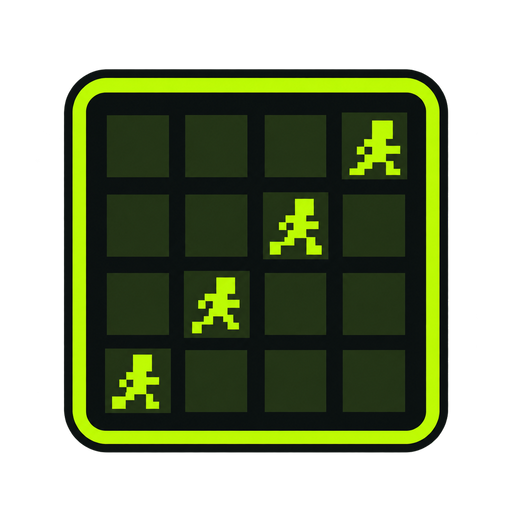
How to Animate a Sprite Sheet: Set the Grid
Learning how to animate a sprite sheet begins with geometry. The player needs columns, rows, spacing, and offsets before it can find one frame. A 1024 by 1024 image with four columns and four rows usually contains 256-pixel cells when no gutters exist. If two-pixel gaps separate cells, subtract those gaps before deriving frame width or use the exact dimensions supplied by the artist.
Upload the sheet to the animator, enter the grid, and extract. The tool reads cells in row-major order: left to right across the first row, then the next row. A horizontal strip uses one row. A vertical strip uses one column. If the source uses another order, repack its frames or store a custom index list in the game instead of pretending rows are chronological.
Step through the extracted sequence before pressing Play. Previous and Next reveal a wrong cut, transparent empty cell, duplicated drawing, or misplaced index. Watch stable points such as feet, hips, head, and weapon grip. If every pose shifts by the same amount, correct the grid offset. If drift grows across a row, check spacing and frame width.
A sprite sheet animation is only as accurate as its source rectangles. Faster playback can hide a bad boundary, but it cannot fix it. Use the numbered cutter overlay when the grid is uncertain, then return to the animator after rows, columns, frame size, offset, and spacing are confirmed.